.gif)
Videos should be accessible. Audiences now expect it. But beyond doing the right thing, there’s a selfish reason to caption your video: most people watch with the sound off.
They’re on the bus, in a waiting room, or sneaking a look at their desk. If your video relies purely on audio, they’ll scroll past.
Facebook says adding captions can boost view time by 12%.
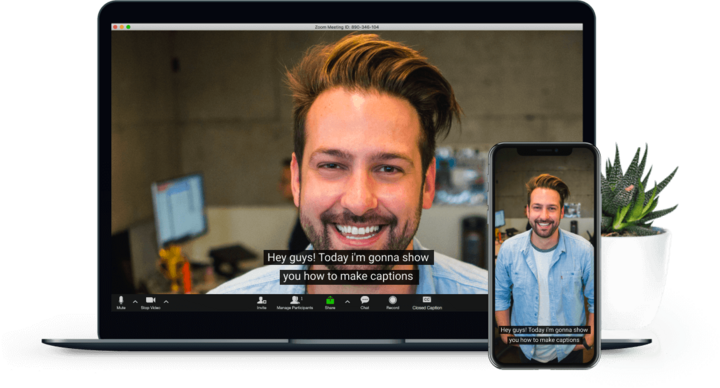
So, how do you do it? There are two main ways.
This is when the text is "burned" permanently onto the video file.
Pros:
Cons:
An .srt is a tiny text file that travels alongside your video. You upload it separately to YouTube, LinkedIn, or Facebook.
Pros:
Cons:
At ChopChop, we can do both.

To cut through the noise, your video must: amuse, anger, energise, educate, or surprise. Learn how to spark real emotion.
Read More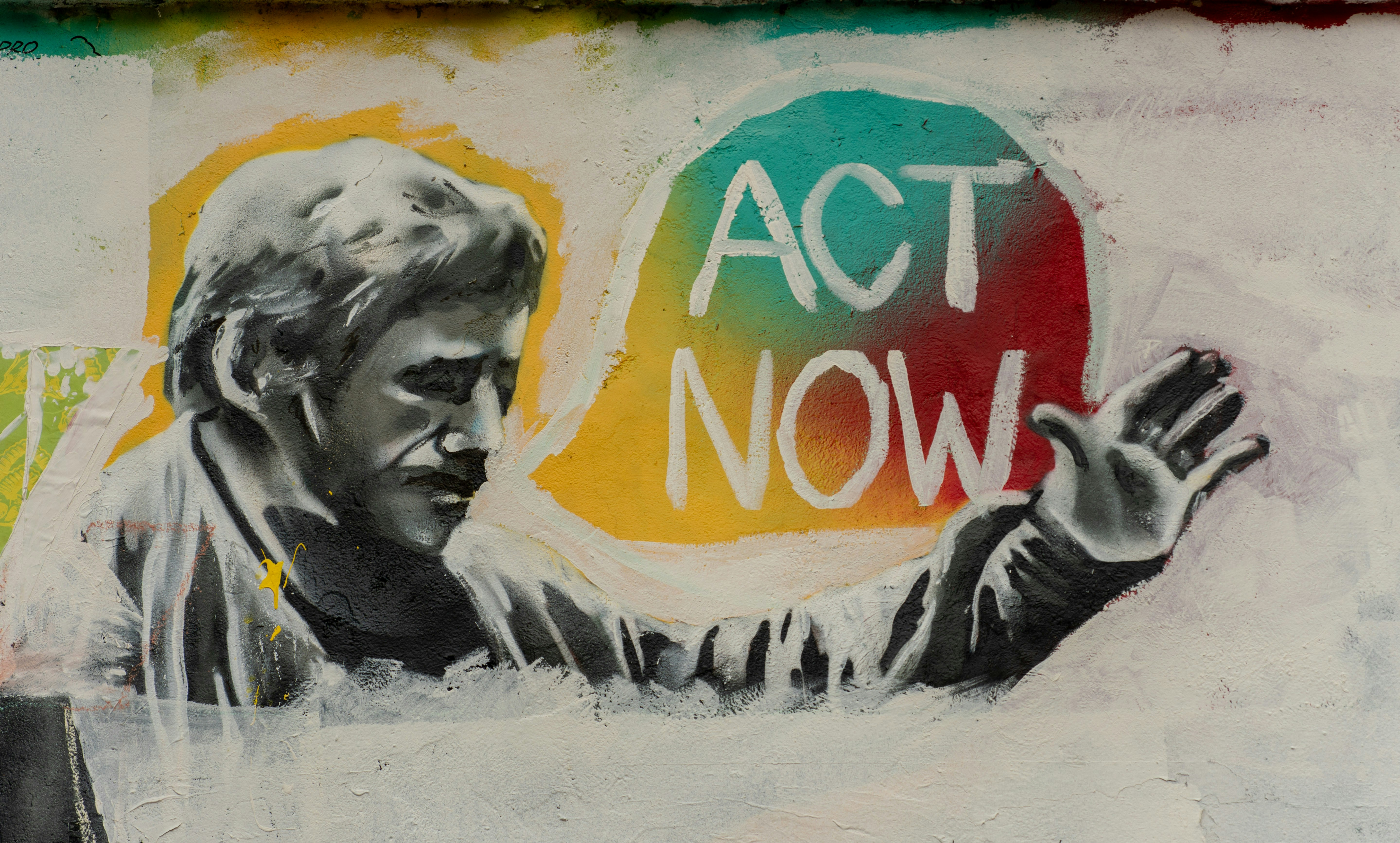
A video without a Call to Action (CTA) is a missed opportunity. We explain why you need to ask your audience to do something, provides a list of high-performing examples, and explains the golden rule of conversion: describe the value of clicking, not just the action.
Read More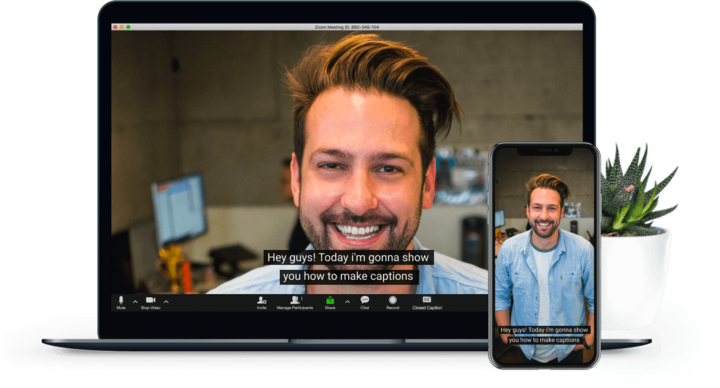
Most people watch video with the sound off. This post explains why captions are essential for accessibility and engagement (boosting view time by 12%), and breaks down the difference between "Baked-in" (Open) captions and SRT (Closed) captions so you can choose the right format for your project.
Read More
One of the most common questions in video production is "how long should it be?" This guide breaks down the optimal video lengths for every major platform in 2026 - including Instagram Reels, TikTok, LinkedIn, and YouTube.
Read More
Struggling to decide what kind of video to make? This guide breaks down the 12 most common video formats - from emotive Brand Stories and data-driven Case Studies to quick social Reels and Explainers.
Read More

